Every recipe in its place
Save the dishes you love, organize them in collections, and find them again when inspiration strikes.
 Stemma
Get the app
Stemma
Get the app
A home for everything you cook
Recipes worth keeping. A meal plan that fits your life. A pantry that knows what you have. All together in one thoughtfully made app.
 Download on the App Store
Made for iPhone and iPad · Works offline
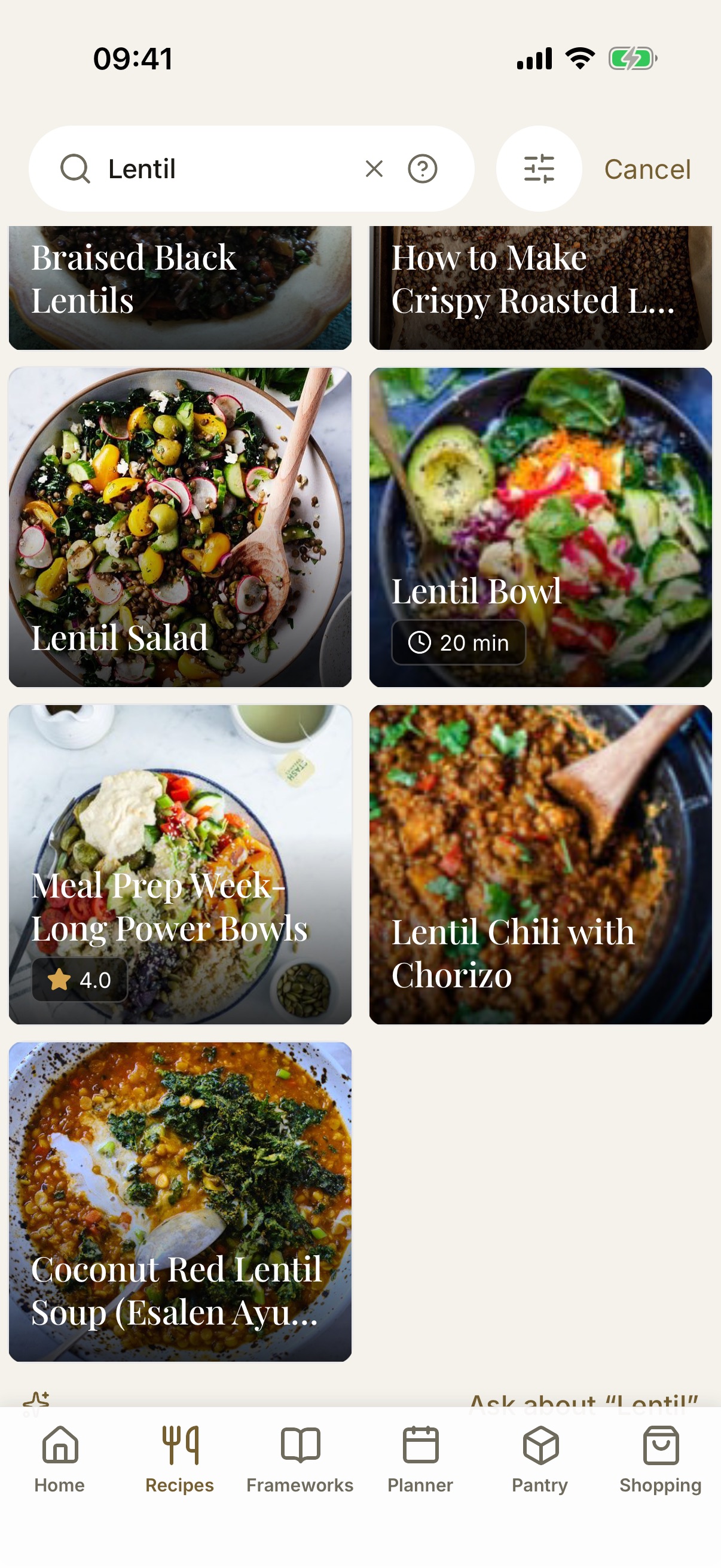
From inspiration to dinner
Save the dishes you love, organize them in collections, and find them again when inspiration strikes.
Turn your recipe collection into a flexible meal plan, then bring the ingredients you need to your shopping list.
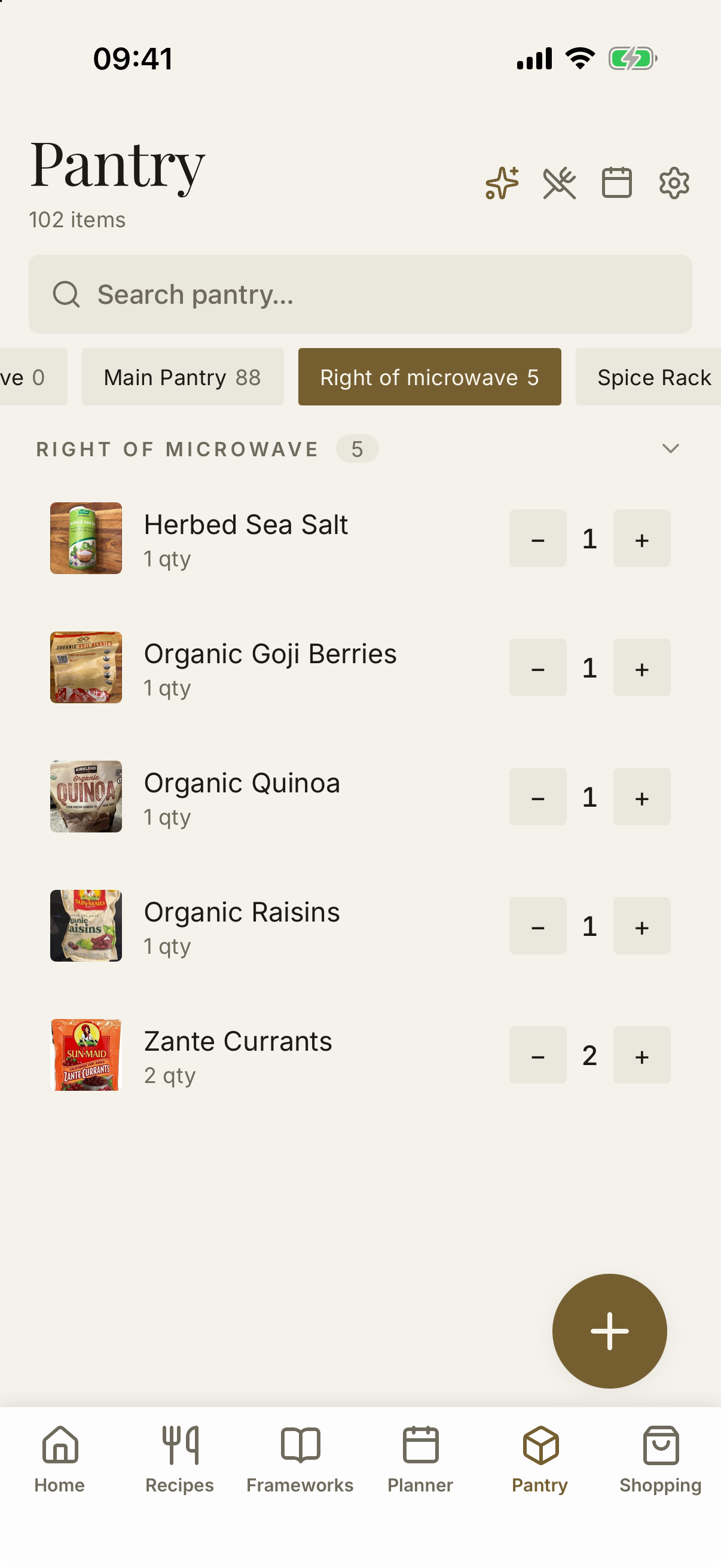
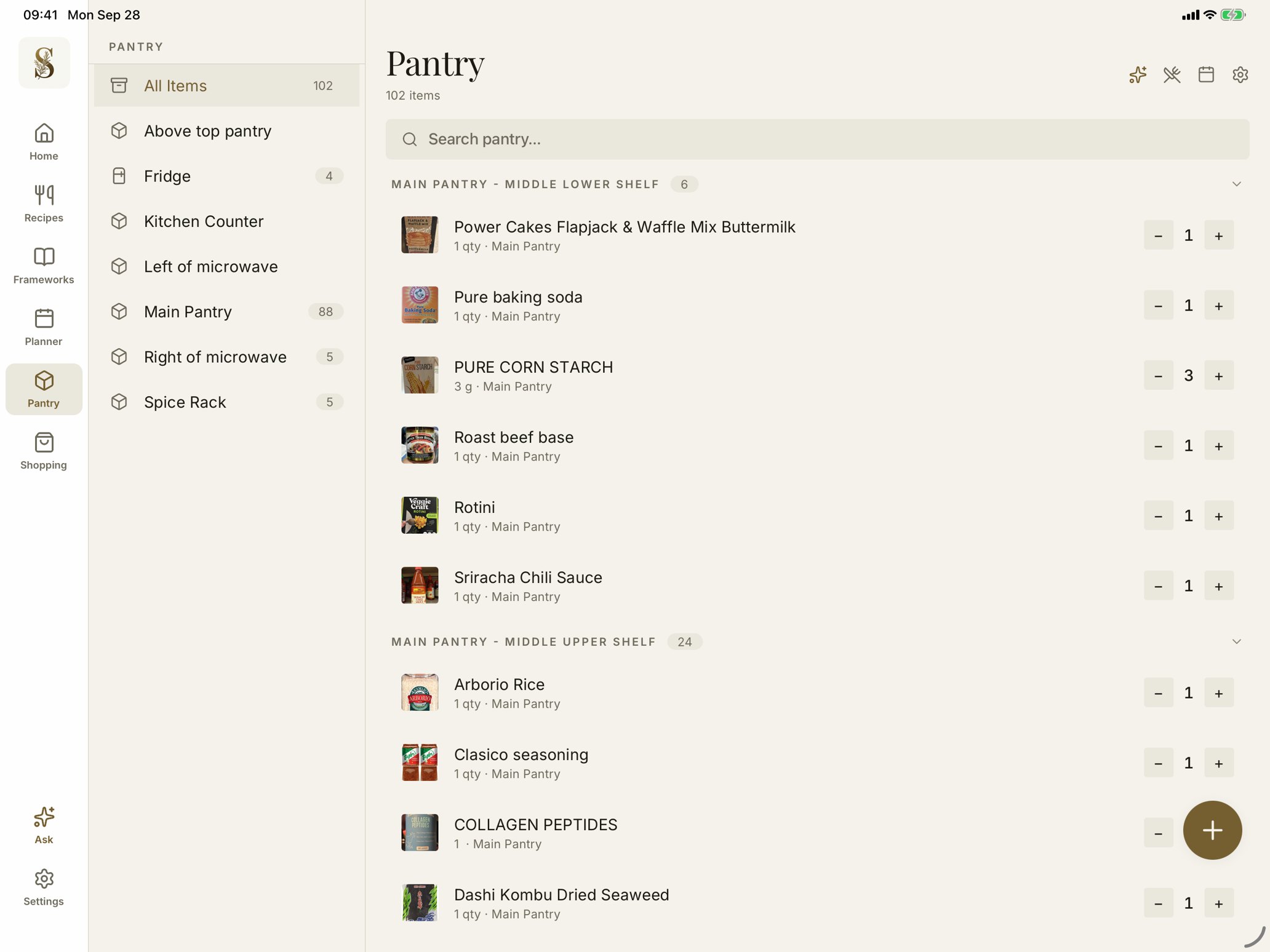
Keep pantry quantities close, so planning and shopping start with what is already in your kitchen.
An easier way to stock up
Scan a grocery store receipt, review the detected purchases, and add the items to your pantry. Your next meal starts with what you already brought home.
Recipes that grow with you
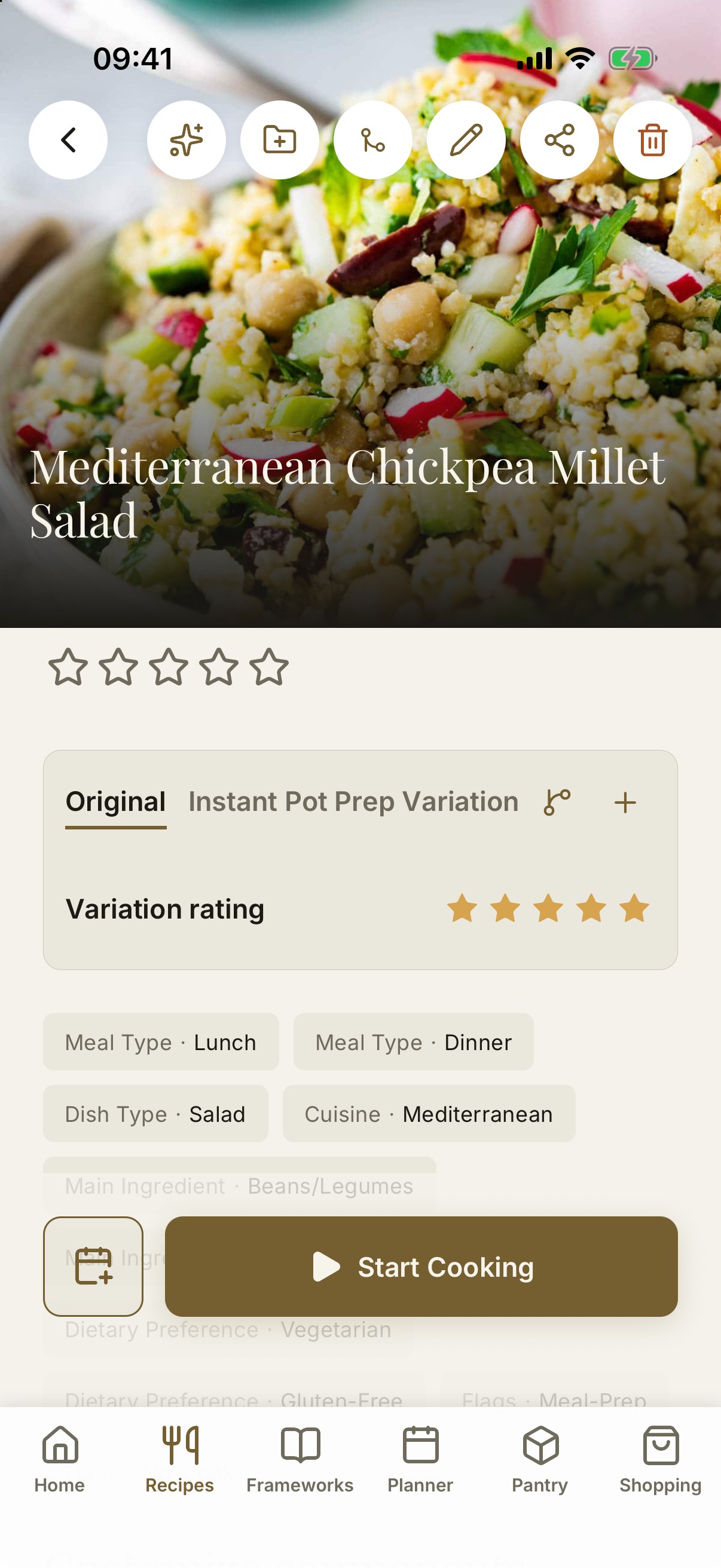
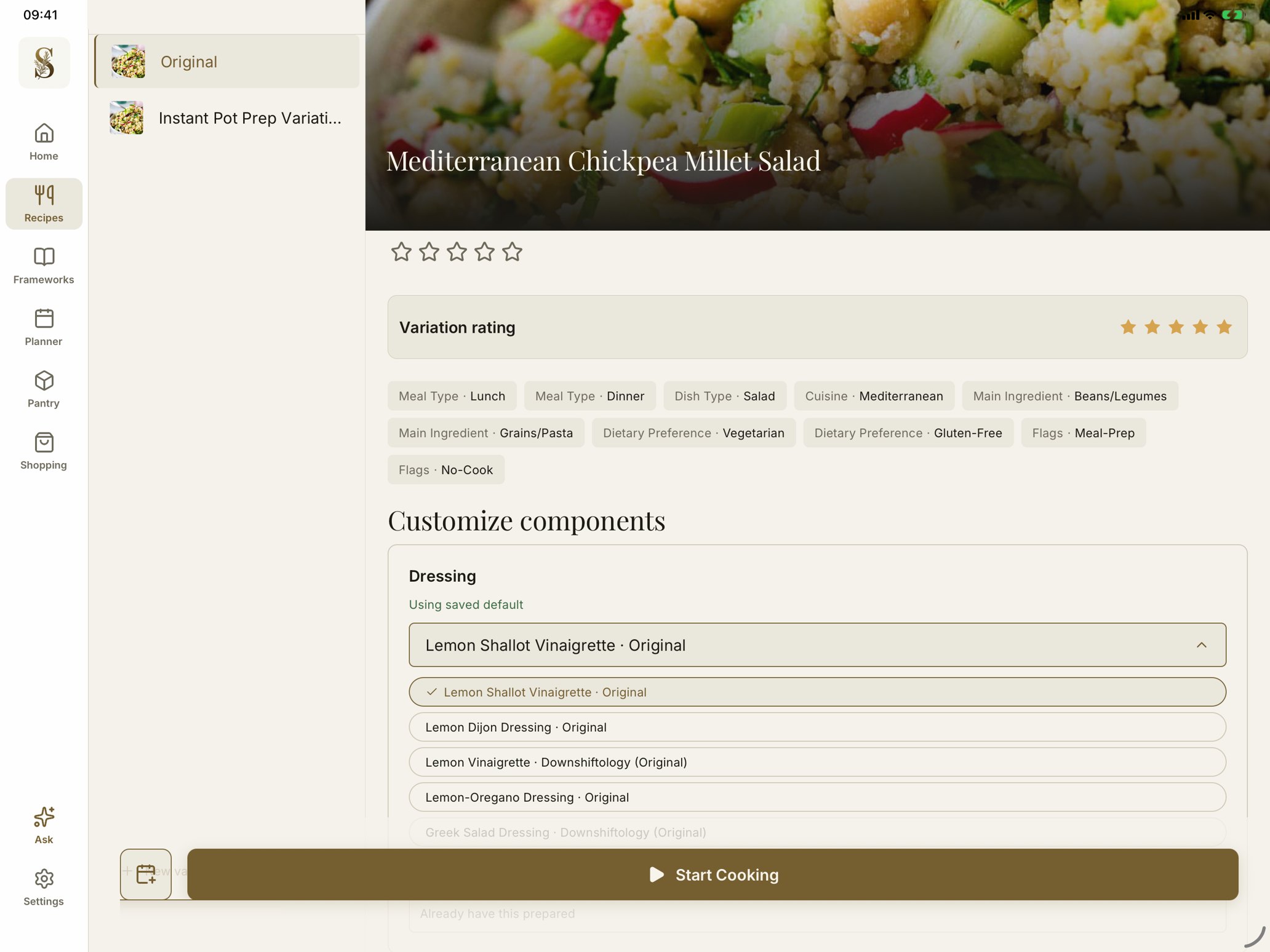
Keep the original and save your own variations beside it, each with its own ingredients, steps, and rating. Cook the Instant Pot version on a busy night and the classic on a slow Sunday.
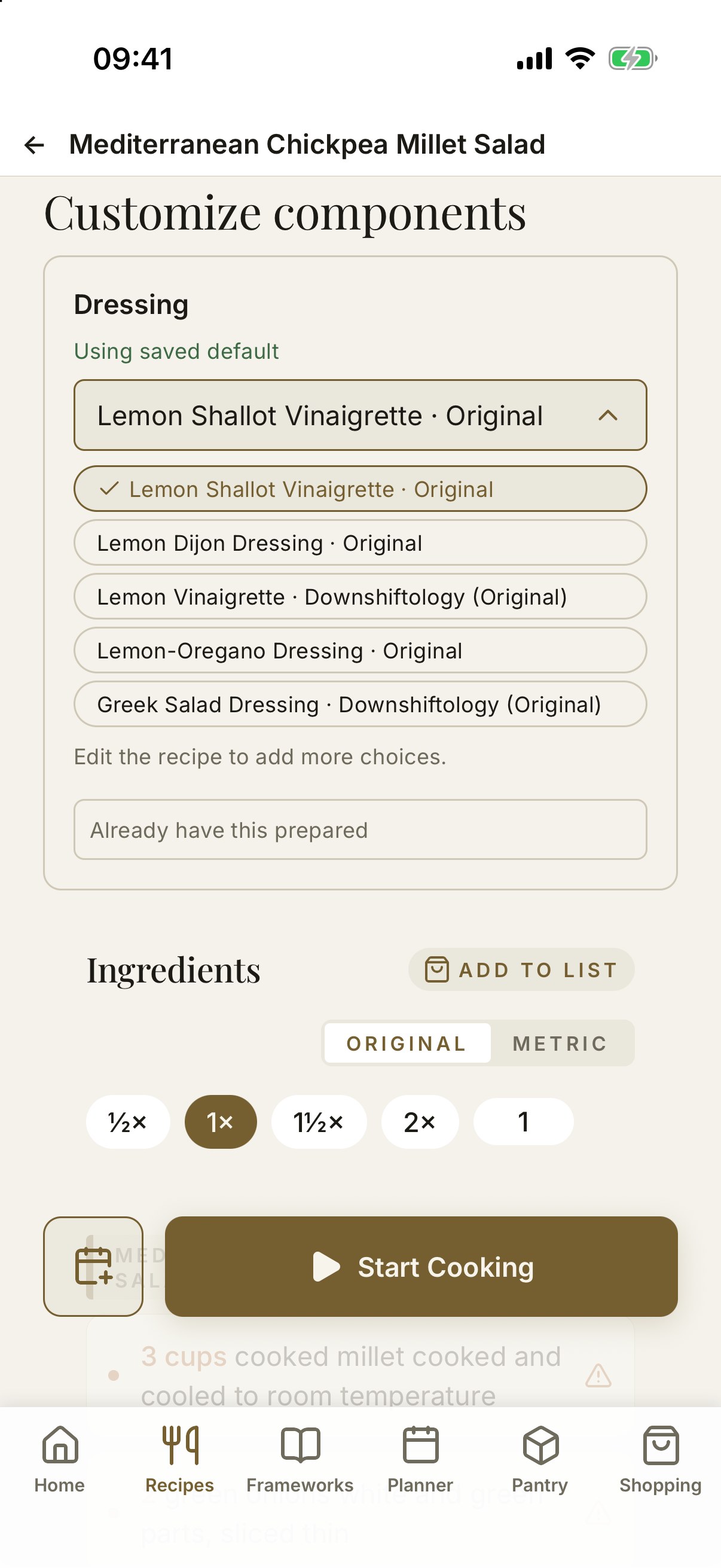
Build recipes from reusable components, too. Pick a favorite vinaigrette for your grain salad, swap it for another tonight, and the ingredients and steps follow along.
Variations · Reusable components · Your choices, remembered
Made for iPad
On iPad, Stemma opens up into a sidebar layout built for the bigger screen, so your pantry locations, recipe variations, and component choices are always one glance away.
A sous-chef in your pocket
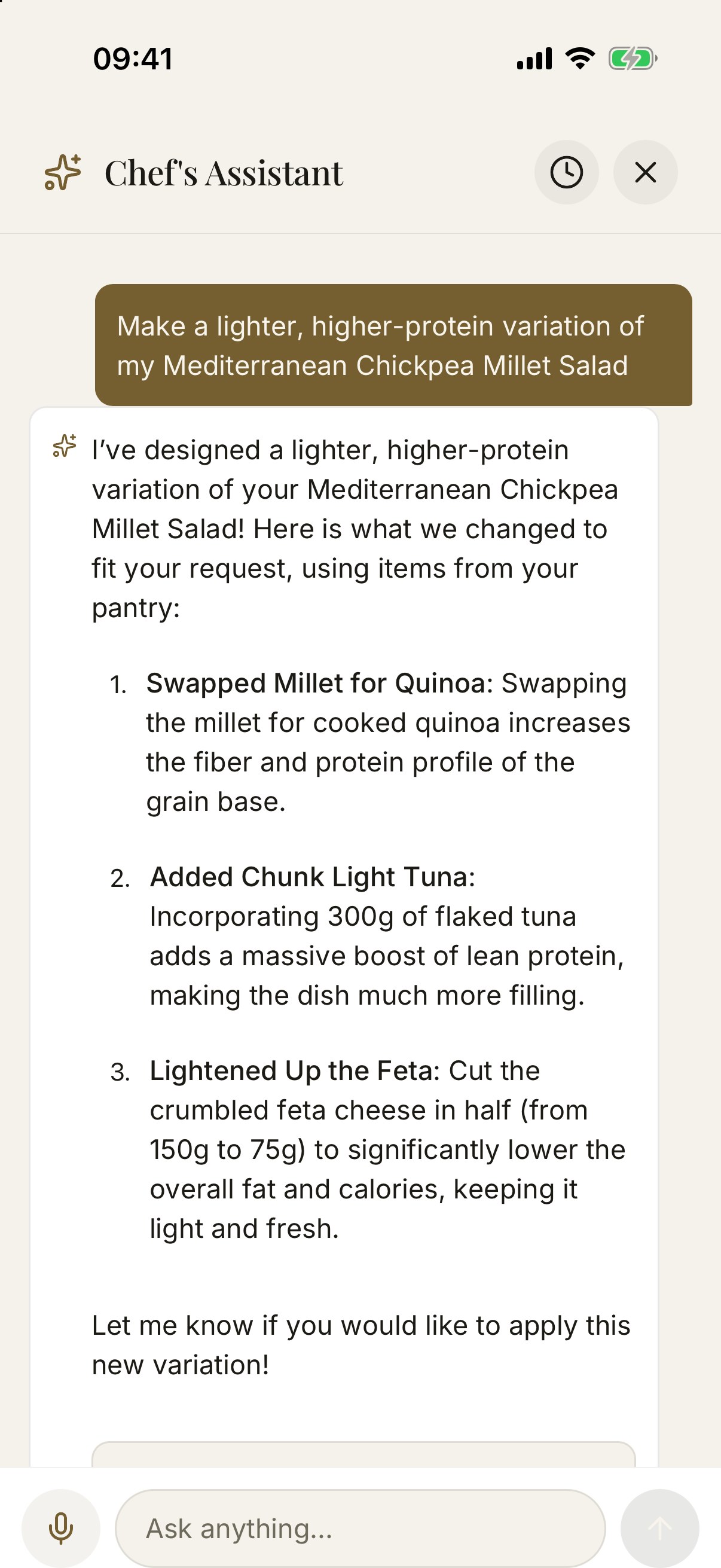
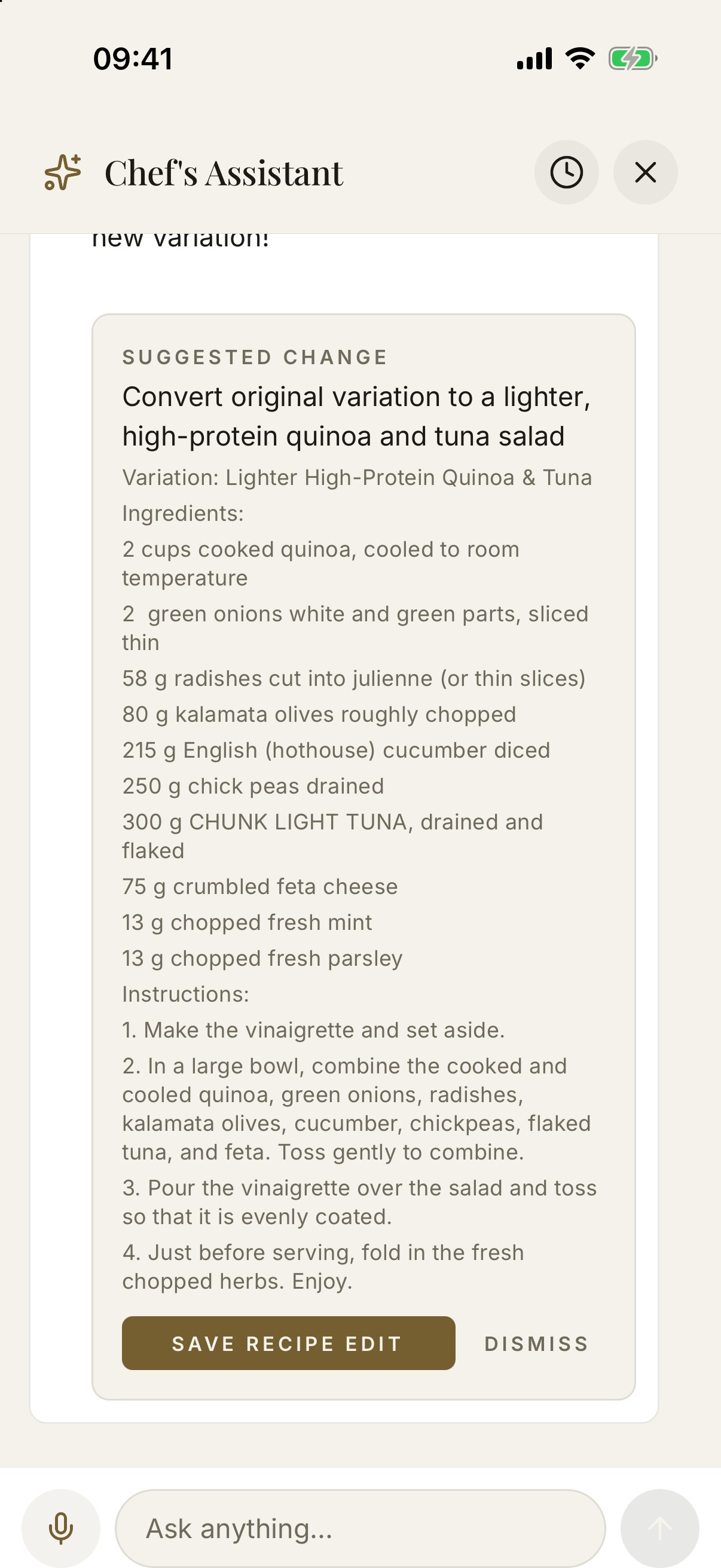
Ask the built-in Chef’s Assistant to lighten a recipe, boost the protein, or swap an ingredient. It works from your own recipes and what is in your pantry, and shows every change before anything is saved.
Uses your recipes · Uses your pantry · You approve every change
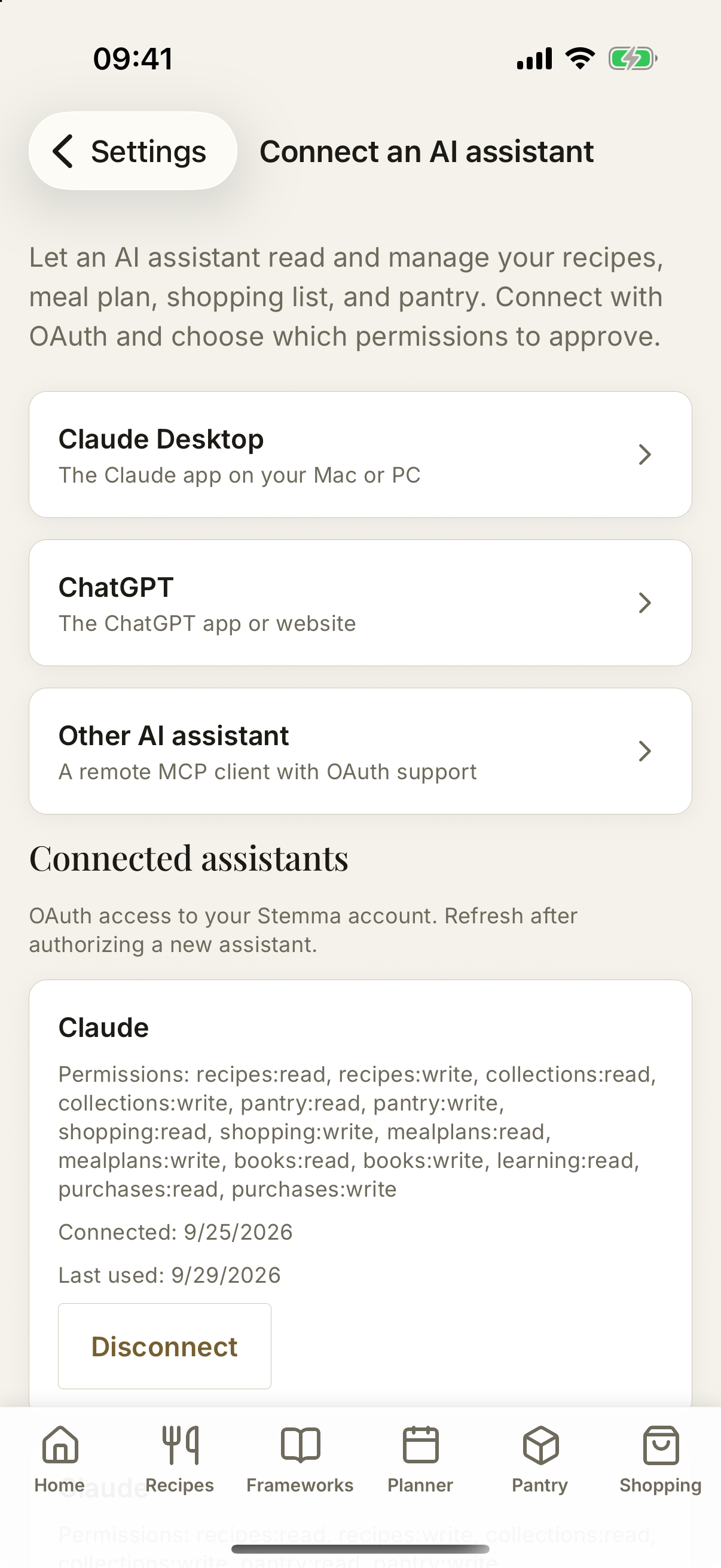
Your assistant, your choice
Connect an external AI assistant through Stemma’s MCP server. Choose its permissions, then let it help with your recipes, meal plans, shopping lists, and pantry.
Secure OAuth connection · You control access
Inside Stemma
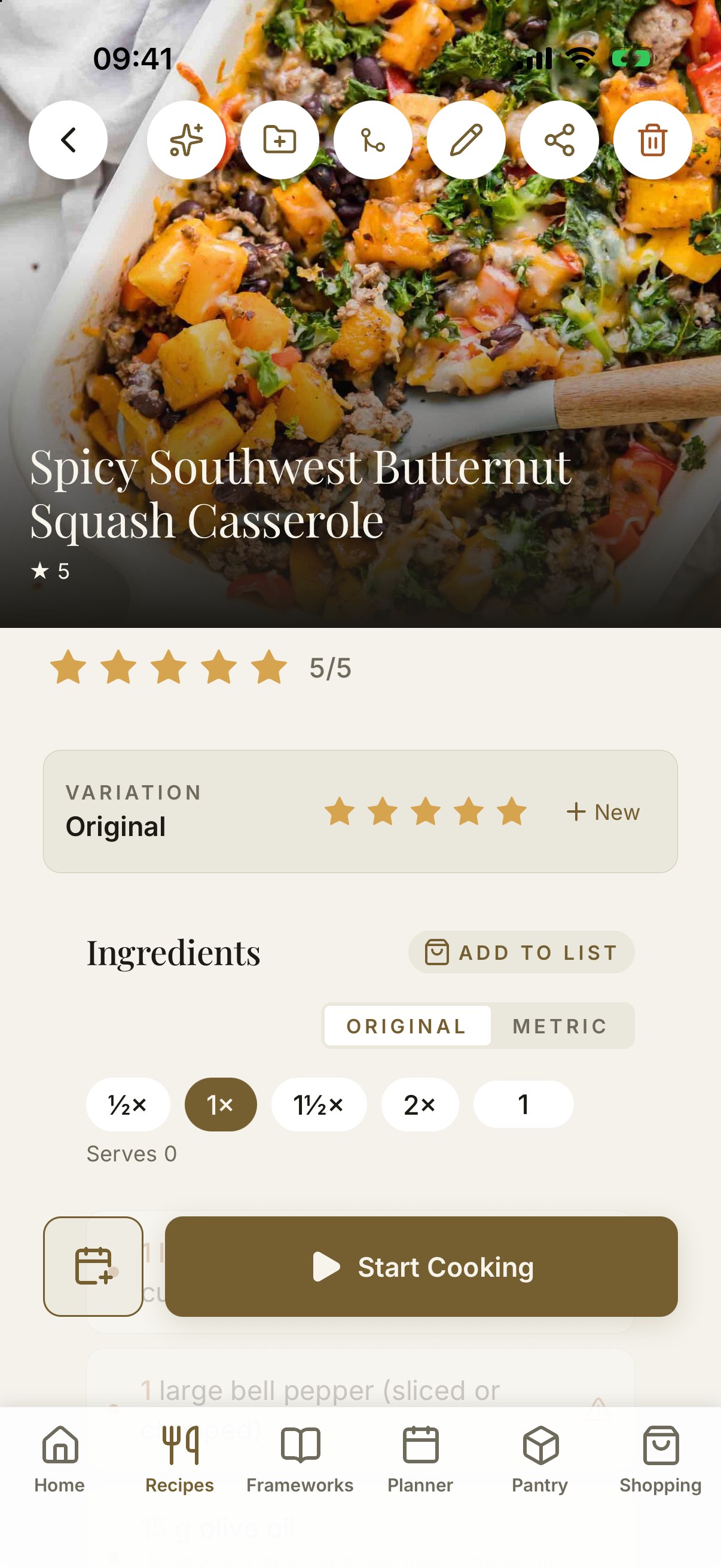
Cook with a little more ease